Hyphenomenon
A public record of AI-assisted work that began as an attempt to understand where my attention was going and evolved into a way of studying how I work.
Narrative
One prompt starts the record
A new Hyphenomenon project can start with a simple operator prompt: run the Hyphenomenon project-intake skill, give it the local repo path, the project title, and any live or canonical routes, then let the workflow assemble the first record. The point is speed with traceability. The operator does not manually create every project page, note, workflow, screenshot, and graph relationship from scratch; the intake loop creates a reviewable package and shows what it plans to write before anything public is trusted.
The skill turns paths into artifacts
The intake skill scaffolds a dossier, screenshot folder, hydration candidates, a project-page packet, and a workflow packet when the project depends on process evidence. For this site, those artifacts matter as much as the final page: they show the repo paths that were read, the screenshots captured, the source documents hydrated into notes, the workflow steps proposed, and the dry-run reports used to decide whether the local database should change.
Automation drafts, review decides
Automation collects and structures evidence; it does not declare the record finished. Dry-runs expose the project sections, notes, data models, workflow steps, media, edges, and overwrite risks before apply. Human review decides whether to accept the local write, revise weak copy, append evidence only, or stop. That boundary is the operating model: fast project creation, but with an explicit editorial gate.
The site becomes a logbook
The finished output is not a polished portfolio entry. It is a public logbook: the project page gives the narrative spine, notes preserve source-backed proof, workflows show how the work moved, screenshots show surfaces, and the Explore map shows relationships. When the process works, the archive can keep up with new work because the repeatable intake loop carries the heavy setup while the operator keeps judgment in the loop.
Reporting coverage and the publication pause — September 2026
The September 1 source-durability work and September 8 report review exposed separate obligations: retain and restore exact sources, establish which machines and intervals a report covers, and verify the publication target. Project 1157 could read accessible source roots; that did not retrieve another machine’s data or implement cross-host aggregation. Local implementation checks therefore did not establish operational cutover or combined-machine coverage.
The September 8 review records the local daily Skysight publisher paused while collection continued, with the weekly scheduler missing on the inspected Mac and the other machine’s scheduler state unverified. It identifies publication through September 4 and a prepared September 5 report held at authentication. These are dated operational findings; no publisher or source archive was changed by this intake. A later archive-integrity finding remains an unresolved caveat rather than a repair claim.
The durable lesson is to retain explicit coverage and missing-source labels, deduplicate any attributed host imports, and reconcile the exact report before resuming publication. Multiple local roots, an empty remote completion or a prepared artifact are insufficient proof of complete, recoverable, published reporting.
System surfaces
Operator prompt handoff
The starting move is a plain-language prompt that names the Hyphenomenon intake skill, project title, repo root, source paths, and any live or canonical route context.
Intake dossier and screenshots
The workflow creates an operator-readable dossier and screenshot set so public claims can point back to observed routes, source files, and captured surfaces.
Project and workflow packets
Structured packets turn the dossier into project sections, product surfaces, note memberships, workflow steps, source provenance, and graph relationships.
Local project route and Explore map
After dry-run approval, the local database renders the project page, workflows, supporting notes, screenshots, and scoped Explore map membership for review.
Implementation stack
Public app runtime
- • Next.js App Router
- • React
- • DB-backed catalog loaders
- • shared public header/footer
Knowledge backbone
- • Neon/Postgres kb_* tables
- • project-scoped node membership
- • workflow steps
- • entity sources
- • provenance runs
Intake machinery
- • ML-hyphenomenon-project-intake skill
- • operator prompt with local paths
- • dossier scaffold
- • screenshot capture
- • source-artifact hydration
- • project-page packets
- • workflow packets
- • dry-run/apply reports
Governance
- • DOCS/ source of truth
- • numbered project docs
- • checkpoint logs with absolute timestamps
- • docs manifest and link checks
Evidence
39 artifacts grouped by type so each kind of proof can be scanned on its own.
Data models
6 artifactsChronicle Daily Report Analyzer v2
Codex Usage Report Analyzer v5
One-prompt intake artifact flow
Project Intake + Dossier Analyzer v1
Project Intake + Dossier Analyzer v2
Project Intake + Dossier Analyzer v3
Workflows
11 artifactsChat intake and publication
Human-in-the-loop archive workflow
Image evidence intake
Local review and promotion loop
Note hydration intake
Prompt-to-project intake workflow
Report artifact intake
Twice-weekly Chronicle publisher
Watch Platform Updates for Changes That Matter to Existing Work
Weekly Codex report publisher
Workflow artifact intake
Images
8 artifacts image
imageCurrent connected archive Map
 image
imageCurrent Hyphenomenon homepage
 image
imageCurrent note artifacts archive
 image
imageCurrent public Projects catalog
 image
imageCurrent workflow artifacts archive
 image
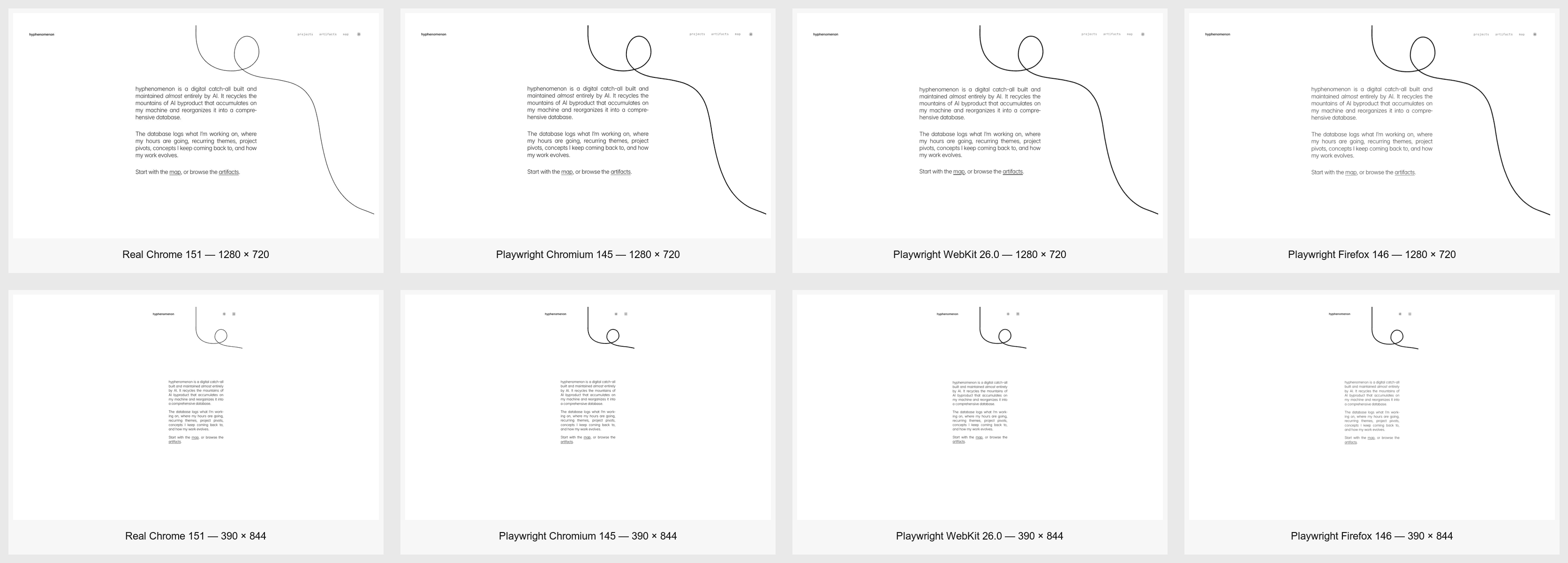
imagePeriod Line V2 Cross-Browser Contact Sheet
 image
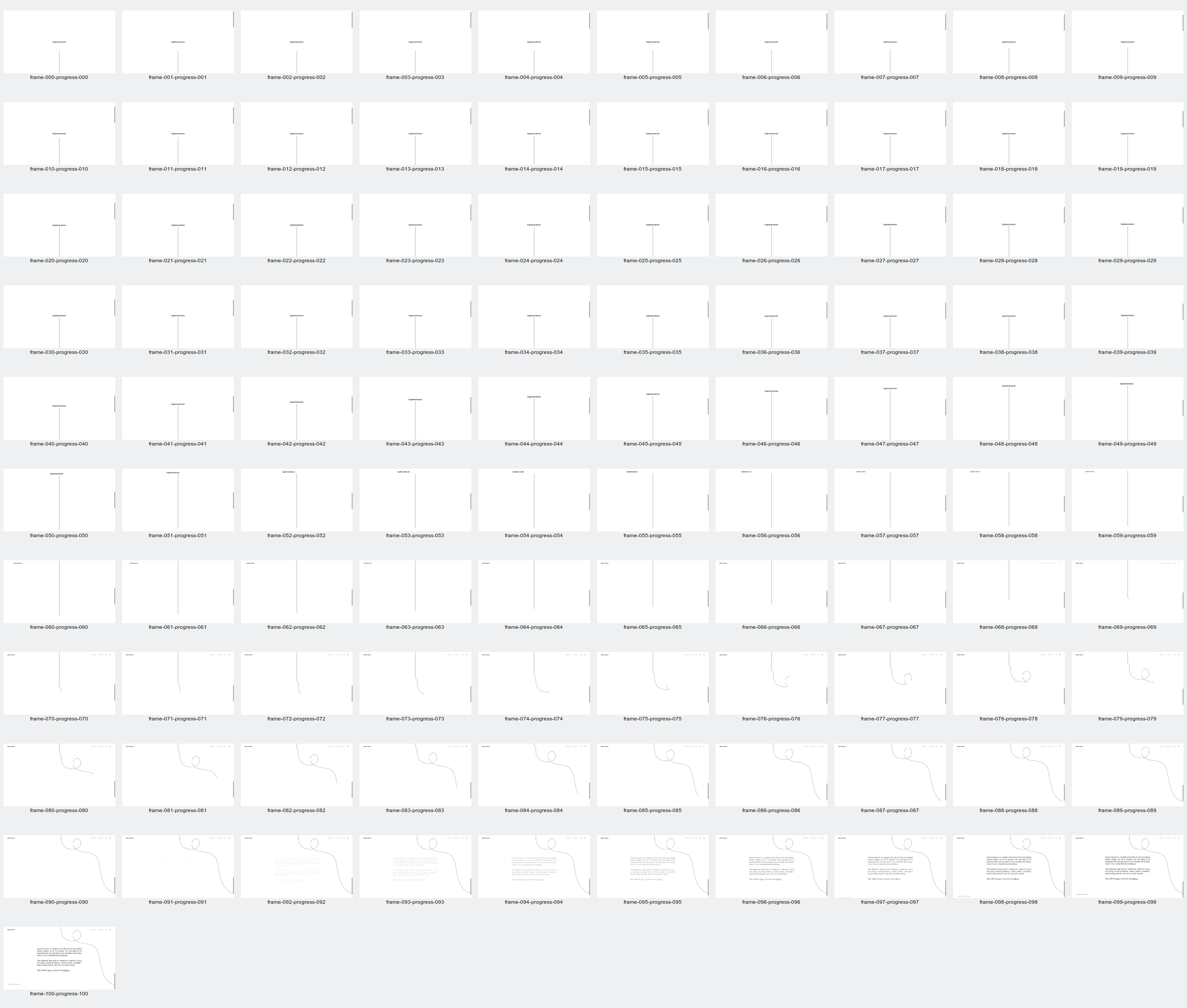
imagePeriod Line V2 Live-Browser 101-Frame Contact Sheet
 image
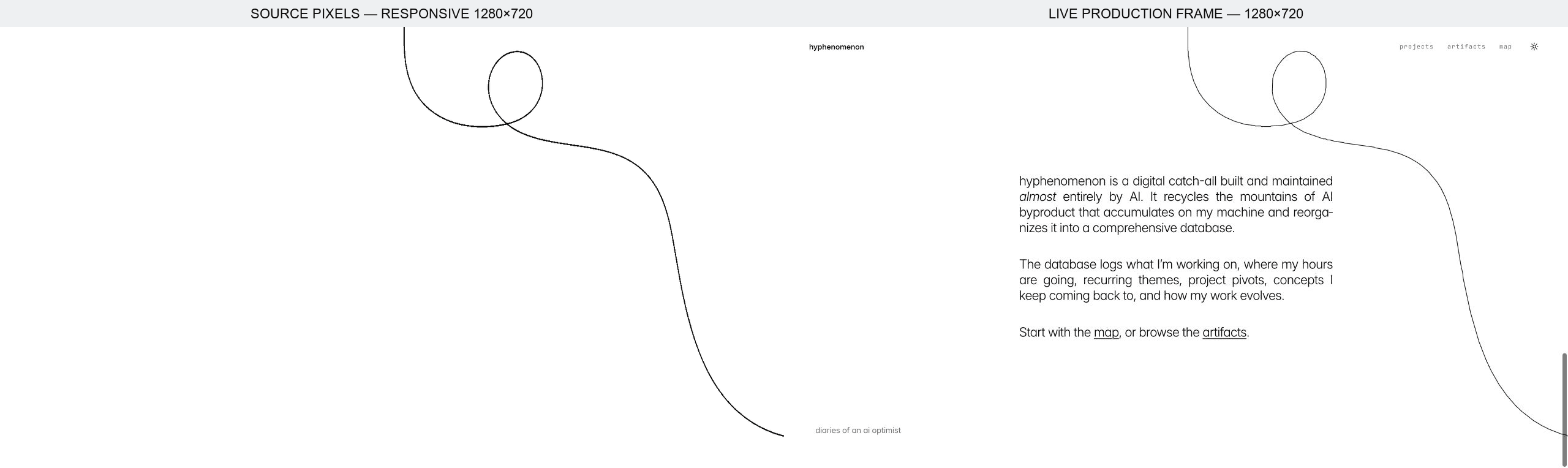
imagePeriod Line V2 Source Image Versus Live Render
Chats
6 artifactsCodex Chat Candidate Audit and Visual Inventory
Hyphenomenon Intake Preview and Release Boundary Incident
Motion and Interaction Design with AI
Motion Animation Evaluation
Motion Design Director Plugin Build
Sol Context Layer Compliance Playground
Notes
8 artifactsHow This Site Works Intake Dossier
../../DOCS/solution-implementation.md
../../DOCS/features/projects.md
../../DOCS/features/workflows.md
../../DOCS/database/operations-and-maintenance.md
How It Works
Native Capability Before Custom Work
Source durability is not report coverage
Connected references
Key dates
Project 1051 added the AI-optimist diary framing and the first How this site works homepage section.
Project 1052 created the first canonical project/onboarding route and local intake fixture.
Project 1049 added required project-page packet checks, overwrite guards, evidence-only append mode, hydration caps, and workflow packet quality gates.
The P3 How This Site Works record was rewritten to show that new project creation starts with one intake-skill prompt plus local paths, then proceeds through scaffold, hydration, dry-run, local apply, and human review.